 Yuri Karamian
4e2c87434d
Before 1.3.7 an empty line before an image could be saved as <!-- --> on one line, which reads as raw HTML and showed the image as text. That line is now read as the empty line plus the image, and the next save writes them apart.
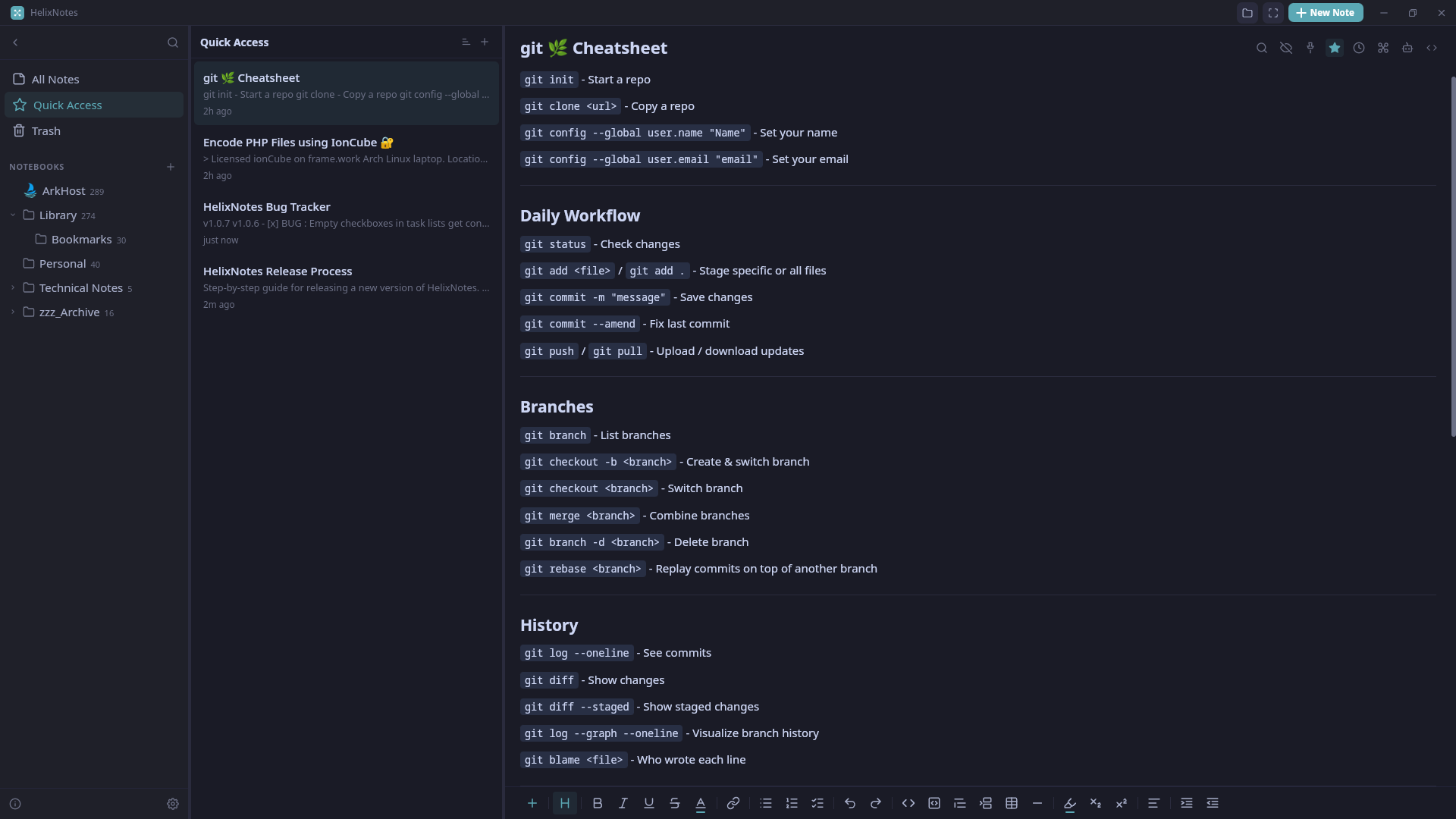
HelixNotes


A local markdown note-taking app built with Tauri, SvelteKit, and Rust.
Your notes are stored as standard Markdown files on your local filesystem. No cloud, no lock-in.
Download (v1.3.6)
Linux
AppImage
The AppImage works only on Fedora 43+, Arch Linux, and openSUSE Tumbleweed (x86_64).
Distro-specific packages
Fedora 43+ (DNF)
sudo dnf config-manager addrepo \
  --from-repofile=https://repo.arkhost.com/helixnotes.repo
sudo dnf install helix-notes
Debian / Ubuntu / Mint (APT)
curl -fsSL https://repo.arkhost.com/gpg.key | sudo gpg --dearmor -o /usr/share/keyrings/arkhost.gpg && echo "deb [signed-by=/usr/share/keyrings/arkhost.gpg arch=amd64] https://repo.arkhost.com stable main" | sudo tee /etc/apt/sources.list.d/helixnotes.list && sudo apt update && sudo apt install helix-notes
Arch / Manjaro (AUR)
yay -S helixnotes-appimage-bin
Solus (EOPKG)
sudo eopkg it helixnotes
NixOS
flake.nix
{
  inputs = {
    nixpkgs.url = "github:NixOS/nixpkgs/nixos-unstable";
    helix-notes = {
      url = "git+https://gitlab.com/ArkHost/HelixNotes";
      # inputs.nixpkgs.follows = "nixpkgs";
    }
  };

  outputs = {
    nixpkgs,
    helix-notes,
    ...
  }: let
    system = "x86_64-linux";
    pkgs = nixpkgs.legacyPackages.${system};
  in {
    nixosConfigurations.default = nixpkgs.lib.nixosSystem {
      system = system;
      specialArgs = { inherit helix-notes; };

      modules = [
        /path/to/configuration.nix
      ];
    };
  };
}
configuration.nix
{
  config,
  lib,
  pkgs,
  helix-notes,
  ...
}:
{
  users.users.<USERNAME> = {
    packages = with pkgs; [
      (helix-notes.packages.${pkgs.stdenv.hostPlatform.system}.default)
    ];
  };
}
Manual package downloads
Windows
Download Installer (Windows 10/11)
macOS
Download .dmg (Apple Silicon) (M-series Macs)
The Apple Silicon build is signed and notarized by Apple. The Intel build may still trigger a Gatekeeper warning. If macOS reports that the Intel build is damaged, run this once after installing or updating it:
xattr -cr /Applications/HelixNotes.app
Android
All releases: gitlab.com/ArkHost/HelixNotes/-/releases
Features
- Markdown editor with toolbar, slash commands, source mode, code highlighting
- Tasks view: aggregate
- [ ]checklists from across all notes, set priority and due dates, filter Today or Overdue tasks, work in a list or a calendar (drag a task to reschedule) [[Wiki-links]]and graph view- Full-text search (Tantivy), CJK-aware for Chinese, Japanese, and Korean
- Outline panel, daily notes with calendar view, tags with autocomplete, drag-and-drop
- Live KaTeX math editor (
/math,/imath) with modal preview, double-click to edit - Mermaid diagrams (opt-in render, copy as PNG, save as PNG/SVG)
- Encrypted secret blocks (
/secret) stored as portablehelix-secretmarkdown fences - Insert date/time (
/date,/time,/now) with 12-hour or 24-hour timestamps, color swatches (/color), configurable week start - Manual notebook sorting (drag to reorder above, into, or below)
- External
.mdviewer mode with import-to-vault flow - PDF preview, Obsidian import, "Show in File Manager"
- AI writing tools (Ollama / OpenAI-compatible / Anthropic / OpenAI)
- Optional WebDAV sync to your own server (Nextcloud, ownCloud, a NAS): manual or automatic, with keep-both conflict copies
- Version history with main-area diffs and rendered read-only snapshots, automatic backups
- Multi-window, file associations, focus mode, view mode
- Themes (light, dark, and 14 palettes), accent colors, fonts including bundled Ubuntu and Ubuntu Mono, 80-200% interface scale
- Local plain-text files, no company cloud
Version history
Changes compares the selected snapshot with the current editor contents, including unsaved edits. Added and removed lines show what restoring that version would change; long unchanged sections can be expanded.
Snapshot displays the stored note read-only, with View source available for its Markdown body. Metadata is separate and is not restored. Snapshot links are inactive, secrets stay locked, and diagrams render only when requested.
Restore replaces the current note's body and asks for confirmation if it would replace an unsaved draft. Inspecting versions does not replace the live editor contents or reset their undo history.
Note Info
Open Note info from the editor toolbar. Expand Frontmatter to inspect the original YAML header, including custom keys, without editing it. This shows the last loaded or saved metadata; unsaved changes are not included, and the display updates after saving.
Saving notes
Notes autosave after three seconds without edits. During continuous typing, a save is queued at least every ten seconds. Ctrl+S (Cmd+S on macOS), switching notes, and closing an editor flush pending changes immediately. A failed save leaves the note marked Unsaved and blocks leaving that editor.
Note writes run off the UI thread and replace the file atomically. Unchanged notes are not rewritten. Ordinary saves update only the affected note in the list, wiki-link cache, and Tasks view; search-index updates are batched in the background. External file changes are still picked up by the watcher.
With Close to tray enabled and a tray icon available, closing the main window hides it after saving. With the setting off, closing the main window closes the application. The close-to-tray setting takes effect immediately; enabling the tray icon itself requires a restart. Explicit Quit exits rather than hiding to the tray.
Full documentation: helixnotes.com/docs
Tech Stack
- Frontend: SvelteKit (Svelte 5) + TailwindCSS v4 + TipTap v3
- Backend: Rust (Tauri 2.0) + Tantivy (search) + Notify (file watcher)
- Platforms: Linux (AppImage), Windows, macOS, Android
Building from Source
Prerequisites
- Rust (1.88+)
- Node.js (18+)
- pnpm
- System dependencies for Tauri: see Tauri prerequisites
Development
pnpm install
pnpm tauri dev
Verification
Run the frontend checks and tests, Rust tests and lints, and production frontend build with one command:
pnpm verify
Production Build
pnpm tauri build
Screenshots